Your restaurant app. Crave underneath.

Start with a web or mobile ordering app built on Crave’s restaurant commerce core. Customize the brand and experience without rebuilding menus, carts, checkout, and orders. Try it locally with sample data before creating an account.

2
open-source templates
2
web and mobile channels
1
shared commerce contract

Start with the experience you want to build.

Explore the restaurant experience, open the source, and run it on your own machine.

LECLERC BAKERY
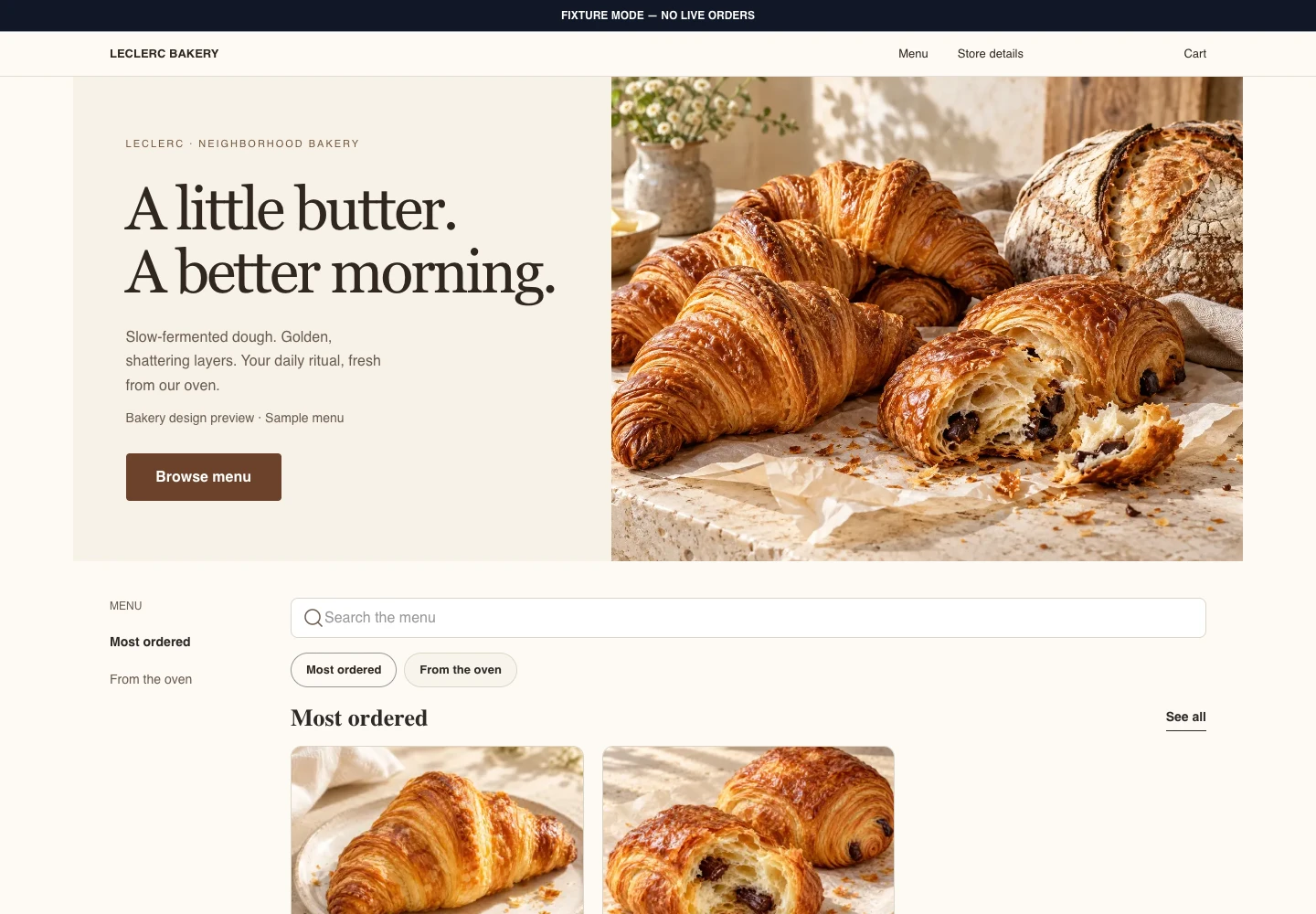
One storefront, every screen. Captured from the public template’s bakery design preview.

Next.js 16 storefront

Crave.js Web Storefront

Meet Leclerc Bakery: warm editorial design, fresh pastry photography, and a storefront that adapts from desktop to mobile web. Built on the shared Crave.js commerce core.

Clone the bakery demo branch shown here, then run the fixture server and open /design-system-preview?preset=bakery-editorial&controls=0. This is a visual sample; the existing fixture routes demonstrate ordering. The public CLI generator has not shipped.

  • Six theme systems and four concept presets
  • Fixture-backed zero-credential development
  • Hosted and standalone deployment profiles
  • Server-authoritative cart and checkout handoff

Next.js 16 · React 19 · Crave Storefront SDK · Tailwind v4
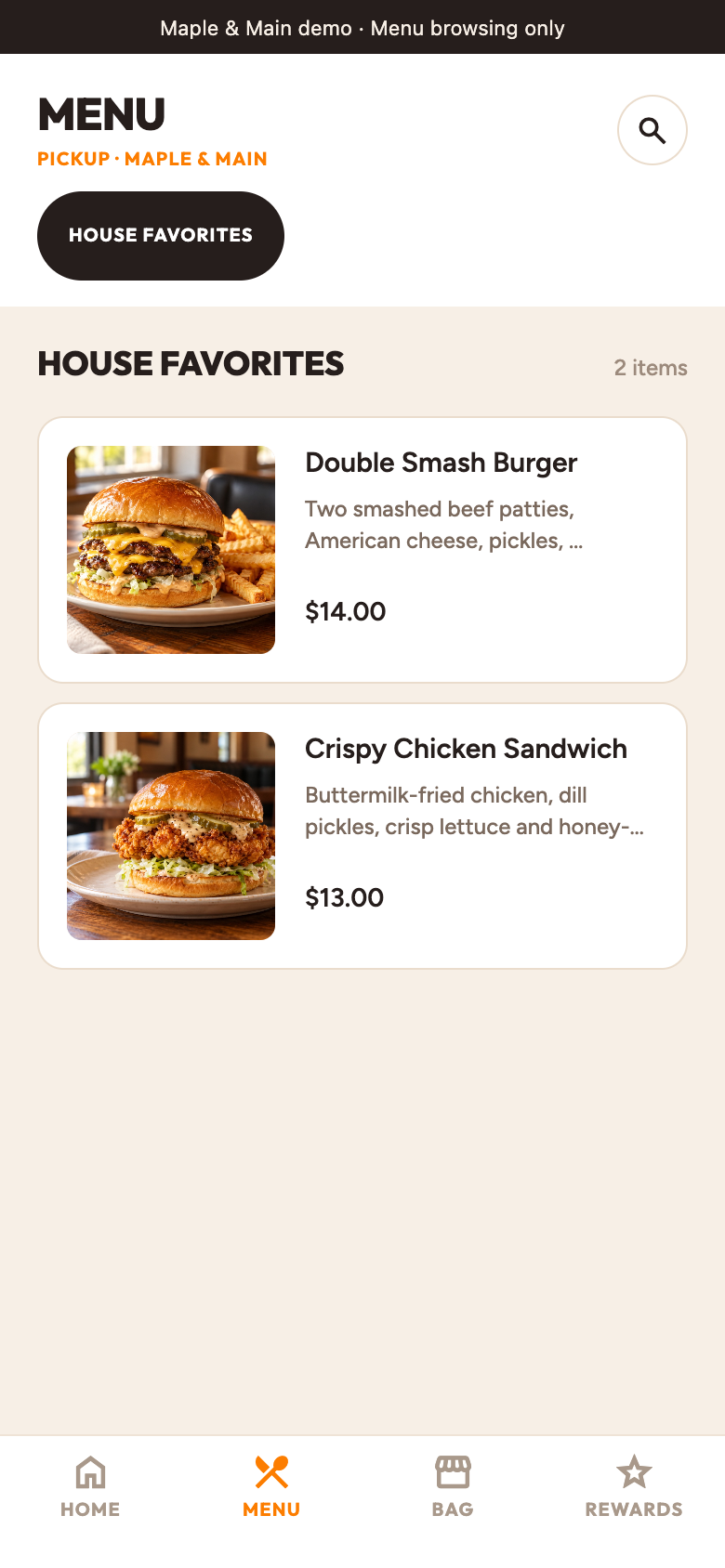
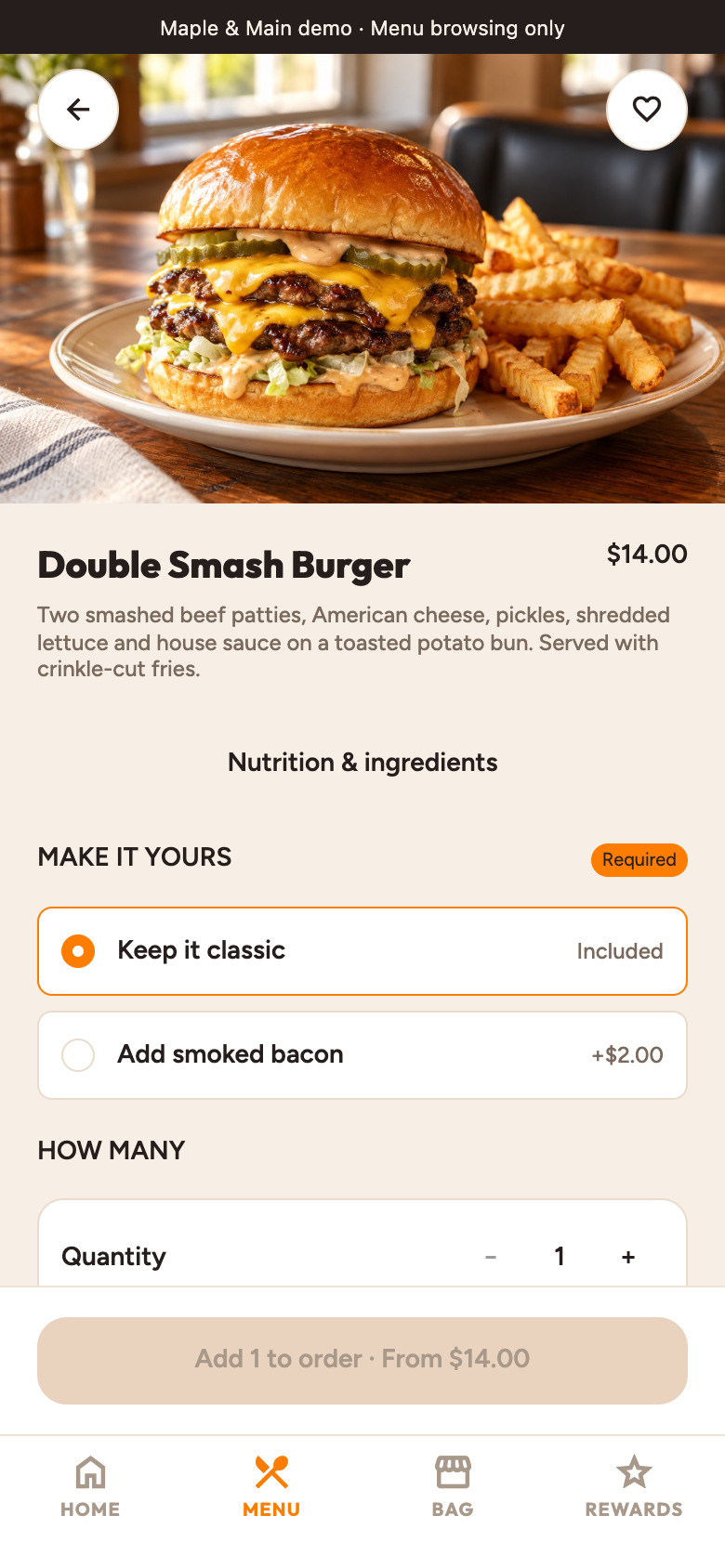
Maple & Main · Included restaurant demo, captured from the running Expo app. Tap a screen to view full size. Native appearance may vary.

Expo SDK 57 storefront

Crave.js Expo Storefront

Meet Maple & Main: an American neighborhood grill, running on the Expo storefront. Browse smash burgers and crispy chicken, explore the menu, and make an order your own.

Clone the same app shown here. Run npm ci, then npm run demo -- --web to explore the included restaurant without API keys. Maple & Main is a fictional demo; live ordering requires your restaurant configuration.

  • American restaurant demo included
  • Food photography, menu browsing, and modifiers
  • Environment-scoped secure sessions
  • Exact-origin hosted checkout handoff

Expo SDK 57 · React Native · Crave Storefront SDK · expo-router

Try it. Make it yours. Connect it.

Web storefront

Run the Next.js ordering website locally with sample data. Explore the menu, cart, and checkout flow before creating a Crave account.

Mobile app

Run the Expo mobile app with the included Maple & Main restaurant demo. Customize the brand and ordering flow, then connect a Crave sandbox when you are ready to test the backend.

Custom brand

Your frontend, brand, and deployment stay yours. Before serving a live restaurant, verify the template’s release status and complete the production setup described in its guide.