Build the ordering experience your restaurant needs.
Start with a Web or Expo template. Build custom restaurant ordering websites and apps with menus, modifiers, pickup, and checkout, with Crave providing the commerce APIs underneath.
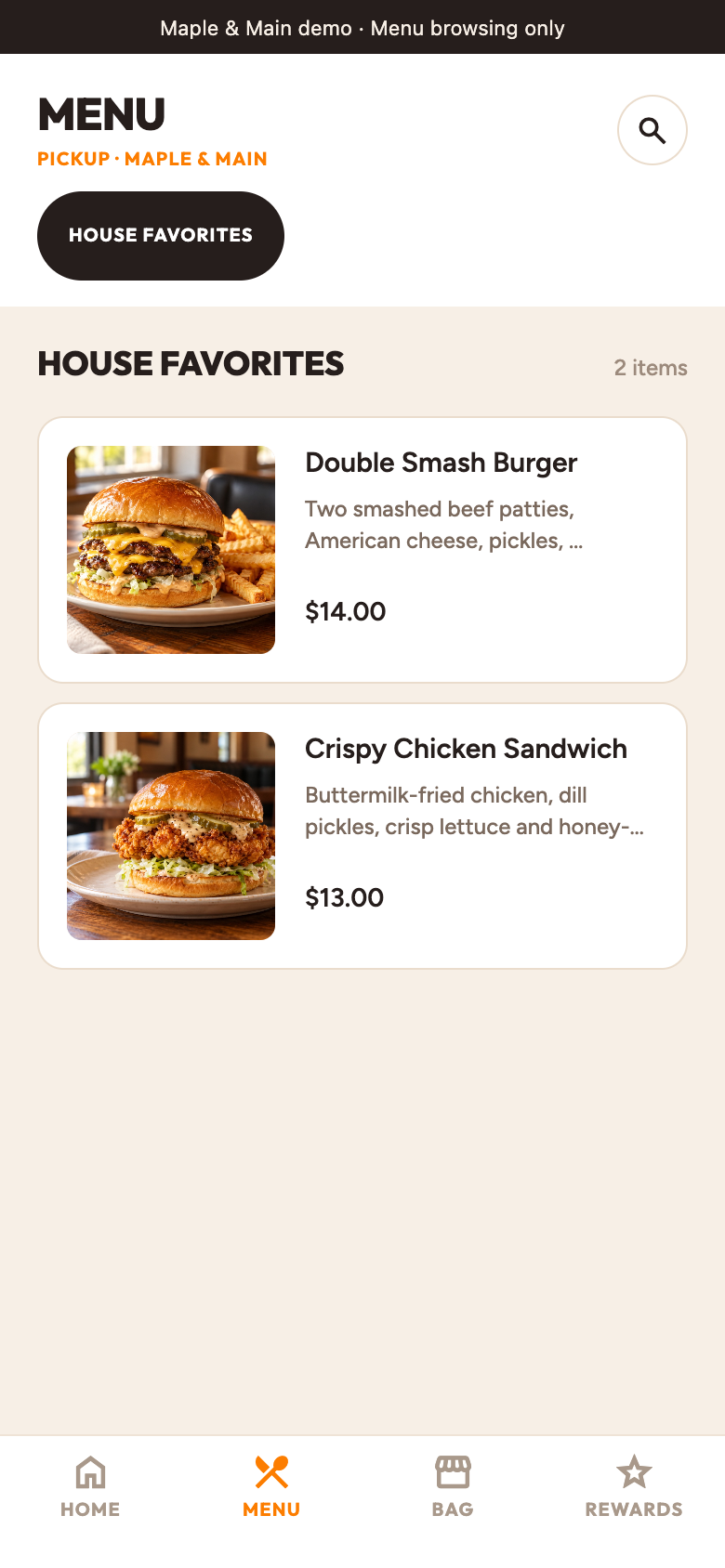
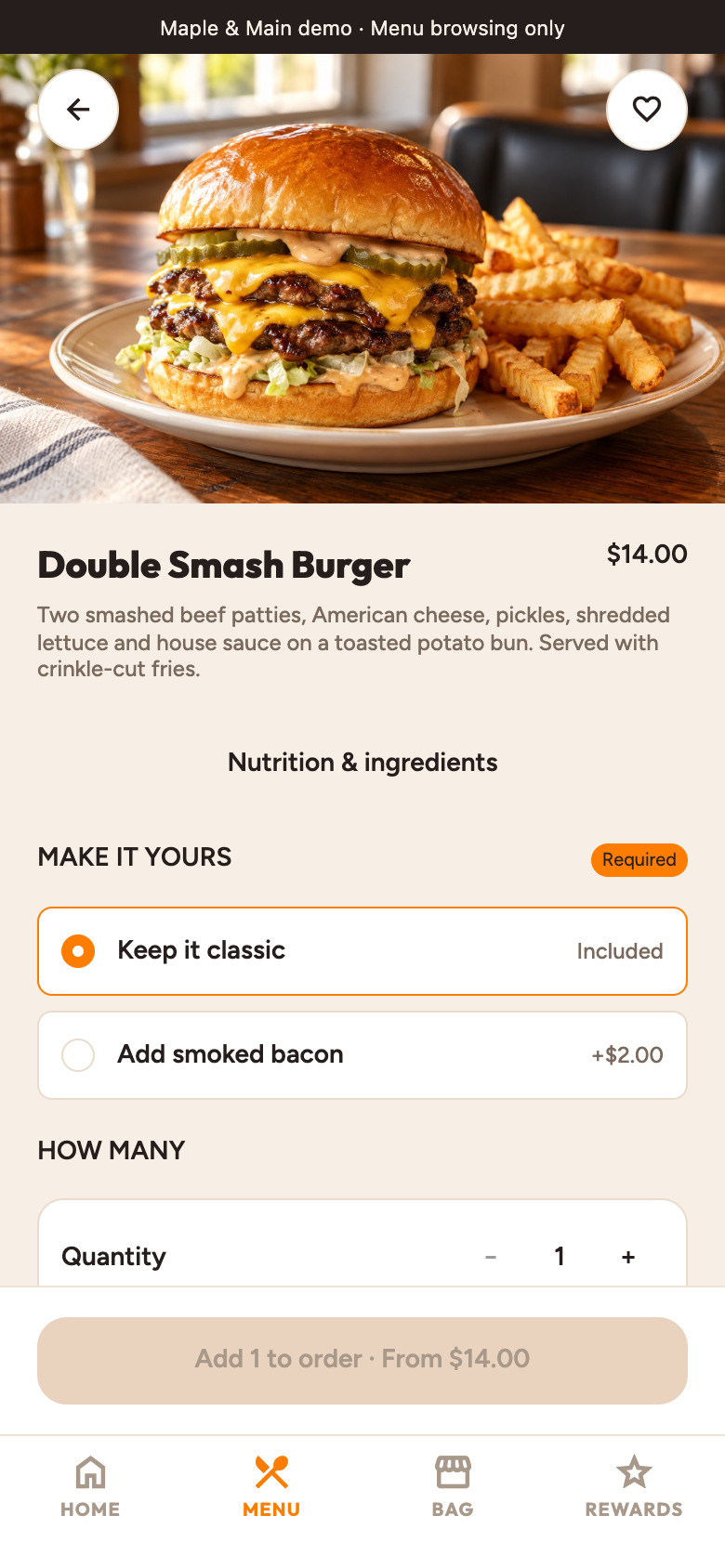
Maple & Main · Included restaurant demo, captured from the running Expo app. Tap a screen to view full size. Native appearance may vary.
Your guests. Useful data.
Export customer contact details, order counts, spend, and first and last order dates for the restaurant locations you’re authorized to access. Use the CSV in your own reporting tools.
Clone the public web template before creating an account. Use your coding tools and AI assistant to change the design, then connect your frontend to Crave Cloud’s commerce APIs.
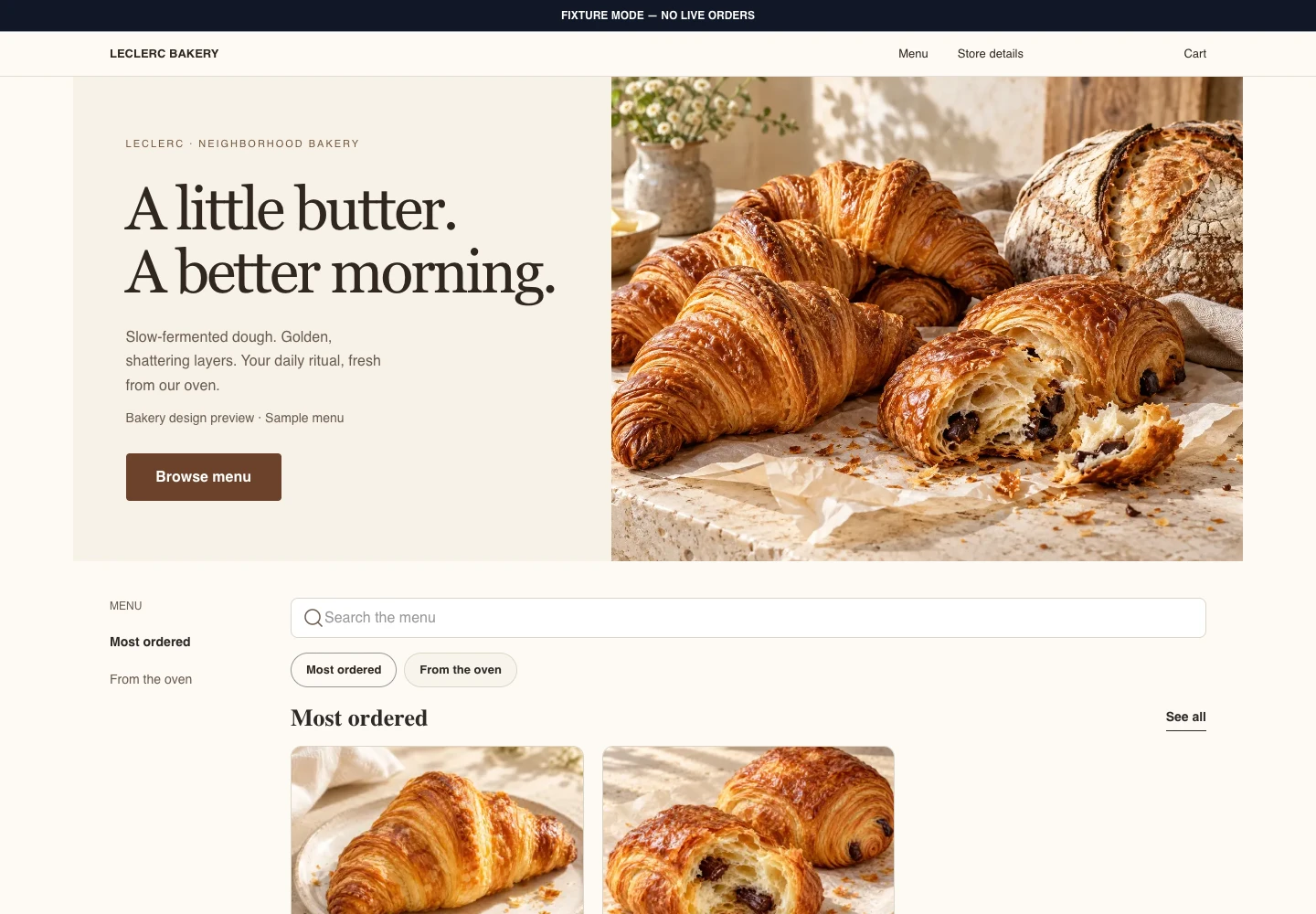
One storefront, every screen. Captured from the public template’s bakery design preview.
Crave.js Web Storefront
Meet Leclerc Bakery: warm editorial design, fresh pastry photography, and a storefront that adapts from desktop to mobile web. Built on the shared Crave.js commerce core.
Web design preview · Try sample ordering in the template.
Maple & Main · Included restaurant demo, captured from the running Expo app.
Crave.js Expo Storefront
Meet Maple & Main: an American neighborhood grill, running on the Expo storefront. Browse smash burgers and crispy chicken, explore the menu, and make an order your own.
Expo app preview · Explore the read-only restaurant demo.
Start with public Web and Expo storefront code. Customize and self-host your storefront, and use Crave’s SDKs to connect it to commerce APIs. The managed commerce backend and production integrations are separate services.
Public templates, SDKs, and local fixture development are free.
Develop is $29/month for an isolated test installation on shared resources. Launch is $99/month for a dedicated application service. Both include the backend, storefront, and Business Manager.
Crave charges a hosting subscription, with no order application fee. Payment processor fees are separate. Hosting availability, database, cache, and usage allowances are confirmed before activation.